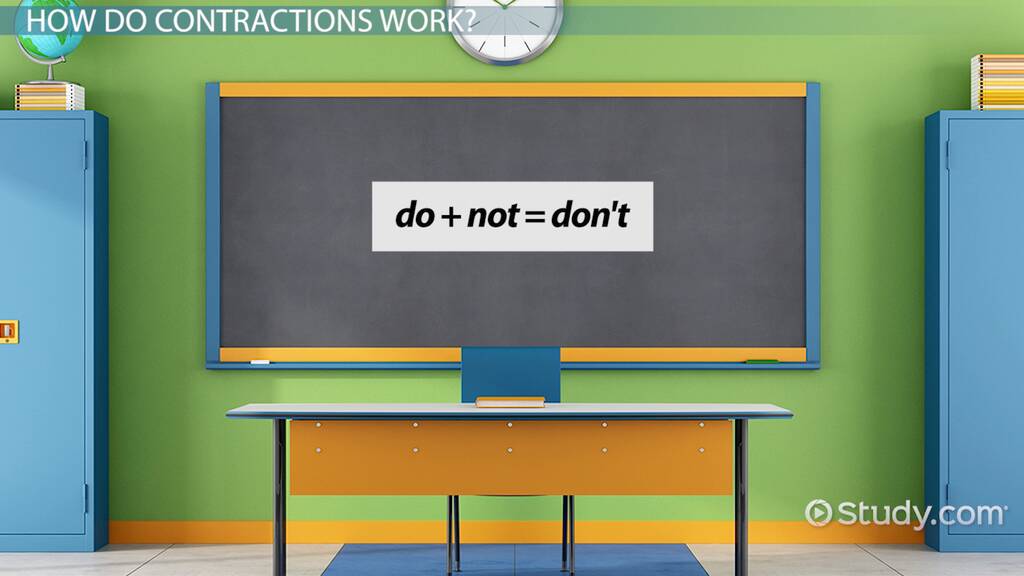
A grammar checker is a tool that finds spelling, grammar and punctuation mistakes in your writing. It can save you from embarrassing errors in emails, assignments and job applications.
But no grammar checker is perfect. Some miss mistakes, and some suggest changes that are wrong. This guide explains the main types of tools, what to look for, how to use them wisely, and how to keep improving your own grammar at the same time.
What a Grammar Checker Can Do
- Find spelling mistakes and typing errors.
- Spot common grammar errors, such as subject-verb agreement and missing articles.
- Suggest punctuation fixes, such as missing commas.
- Point out repeated words, very long sentences and passive voice.
- Some tools also suggest clearer wording or a more formal tone.
What a Grammar Checker Cannot Do
- It does not always understand your meaning or context.
- It may miss errors, or flag correct sentences as wrong.
- It cannot fix weak ideas or poor organisation.
- It cannot replace learning the rules yourself.
Main Types of Grammar Checking Tools
Built-in Checkers
Microsoft Word, Google Docs and many phone keyboards include free spelling and grammar checks. They are a good first step and need no installation.
Dedicated Grammar Apps and Browser Extensions
Well-known tools such as Grammarly, LanguageTool and ProWritingAid check your writing in browsers, email and documents. Most have a free version with basic checks and a paid version with extra features such as style and tone suggestions. Features and prices change, so check each tool’s current plans.
AI Writing Assistants
AI tools can rewrite and explain sentences. They can be helpful, but they can also change your meaning or make your writing sound unlike you. Always check the result carefully, and follow your school’s rules on using AI for assignments.
What to Look For in a Grammar Checker
| Feature | Why it matters |
|---|---|
| Clear explanations | You learn the rule, not just the fix. |
| British or American setting | Spelling and some grammar differ. |
| Works where you write | Browser, Word, Google Docs, phone. |
| Privacy | Check how the tool stores your text, especially for private documents. |
| Free version | Often enough for students. |
How to Use a Grammar Checker Wisely
- Write first, check later. Do not stop every few words to fix suggestions.
- Read every suggestion. Ask: is this really better? Does it keep my meaning?
- Learn from repeated errors. If the tool keeps fixing the same mistake, study that rule.
- Set the right English. Choose British or American English to match your school or exam.
- Read your work aloud after checking. Your ear catches things the tool misses.
Build Your Own Grammar Skills Too
A checker helps, but your own knowledge is what matters in exams and interviews, where no tool is allowed. Free resources to keep learning include:
- The British Council’s LearnEnglish grammar lessons.
- Purdue OWL’s grammar guide for writers.
- Purdue OWL’s grammar exercises to test yourself.
You can also study the most common grammar mistakes that checkers flag, and follow our step-by-step grammar learning plan.
Frequently Asked Questions
Is a free grammar checker good enough?
For most students, yes. Free versions catch spelling and common grammar errors. Paid versions add style and tone suggestions.
Can I use a grammar checker for assignments?
Usually, basic spelling and grammar checks are allowed, but rules on AI rewriting tools vary. Always follow your school or university policy.
Will a grammar checker improve my English?
Only if you read the explanations and learn from your mistakes. Accepting every suggestion without thinking will not improve your own skills.
Final Thoughts
Grammar checkers are useful helpers, not teachers. Use one to catch mistakes, read each suggestion carefully, and keep learning the rules yourself. Learn more about why good grammar matters.